Upgrading or Downgrading Your Service
This is how you change your service configuration.
Upgrading/Downgrading
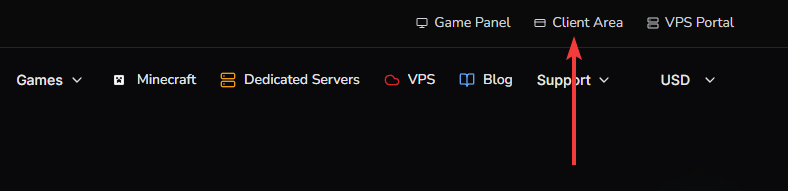
To upgrade or downgrade your service, first log into the client area. As shown below.
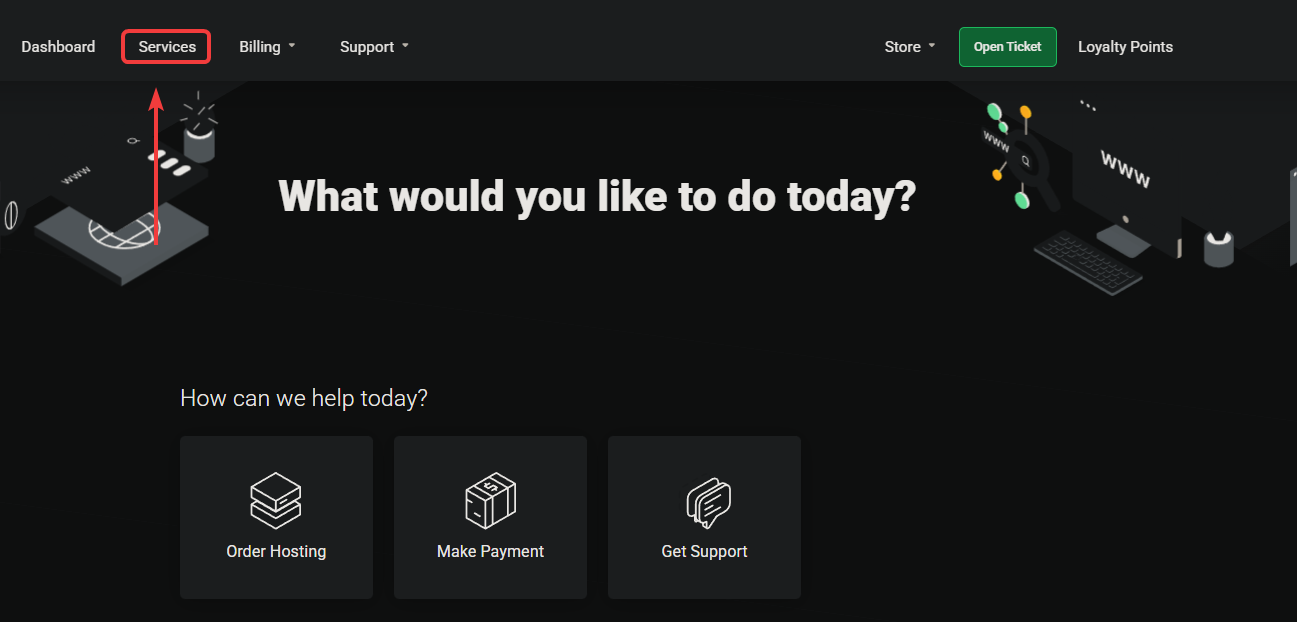
Click on Services
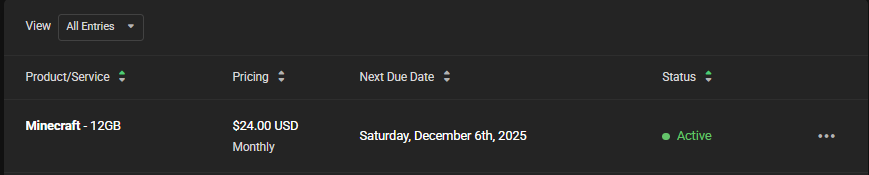
Click on the service you want to change, for example, the Minecraft service in the image below.
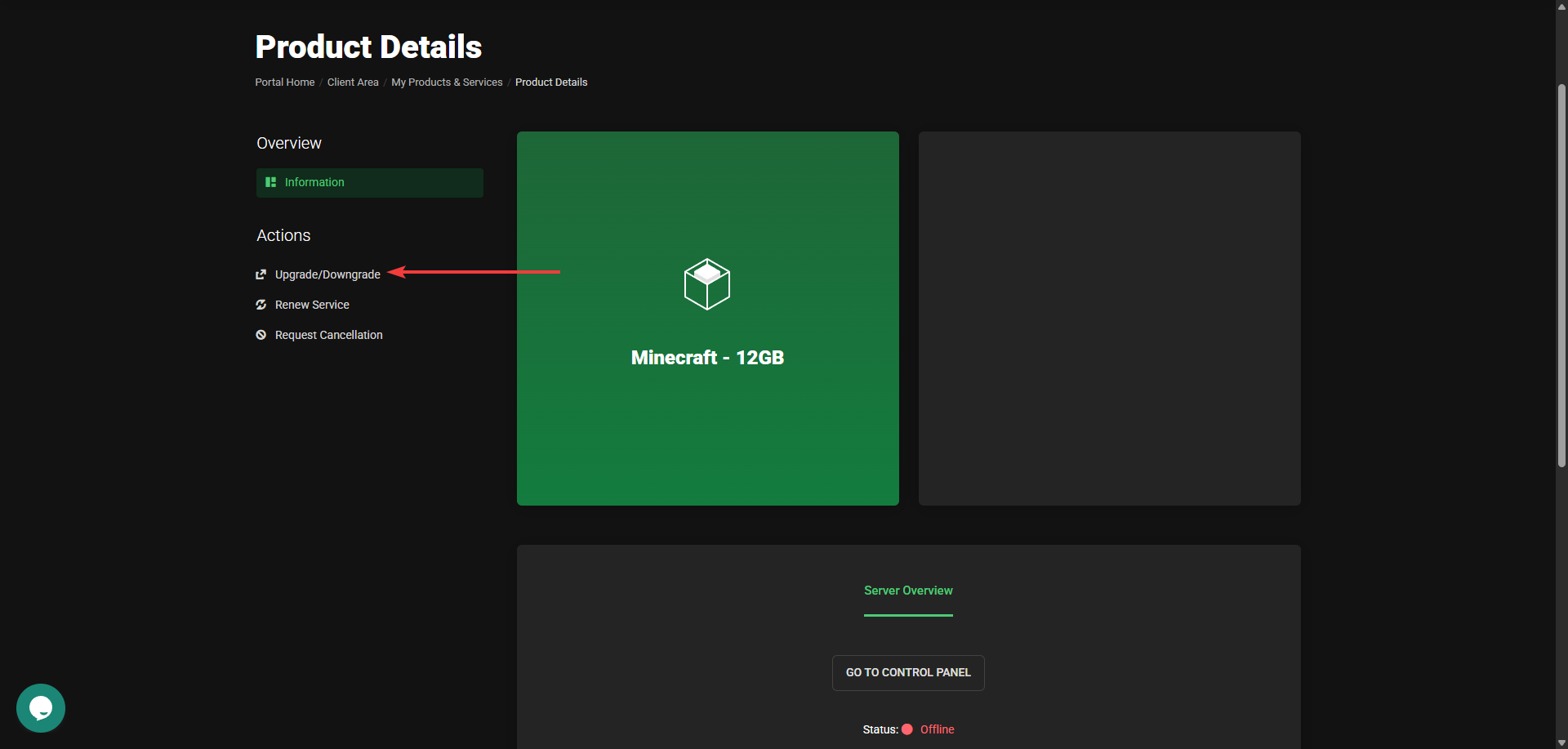
From here click on the Upgrade/Downgrade button.
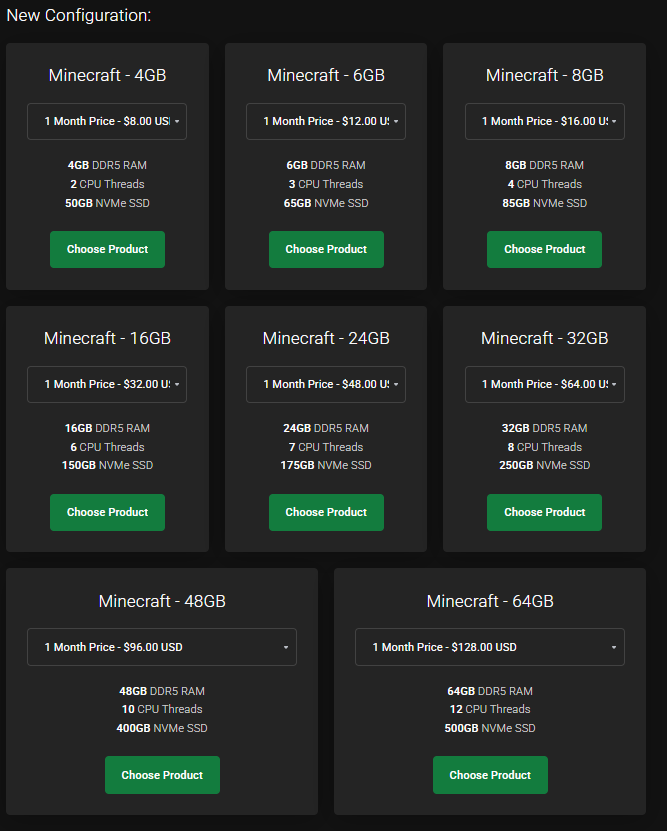
From here you can choose one of the many upgrades available.
resource unavailable
If in a rare case resources are not available on the machine. just make a ticket, and we will take care of it.