Manage Users
Create new users and manage user permissions.
Create a Subuser
Do you have a service with us and do you want to create a new subuser?
This is how you do it. Make sure you are logged into our game panel.
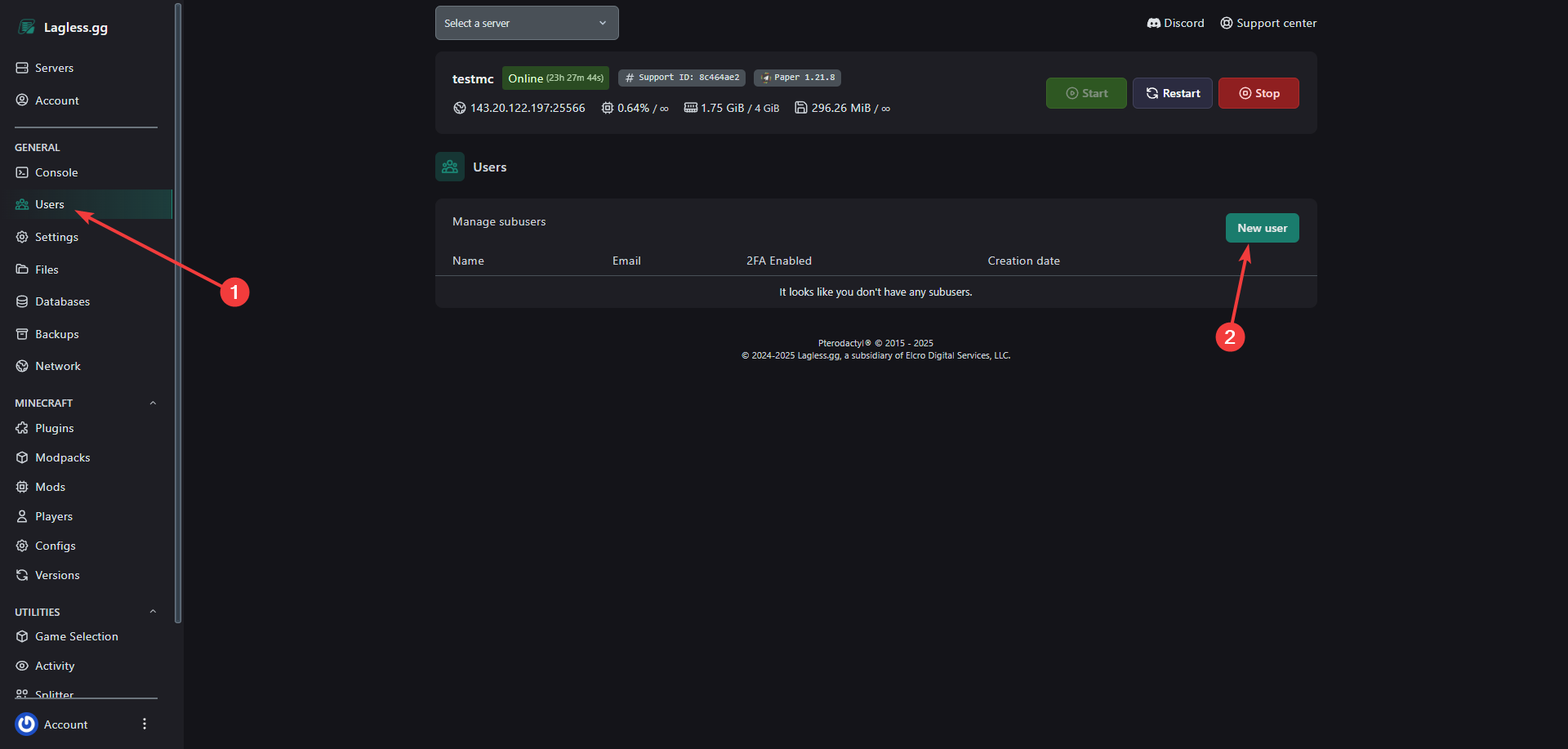
- Go to the "Users" tab on the left. (as shown in the image below).
- Click on "New user".
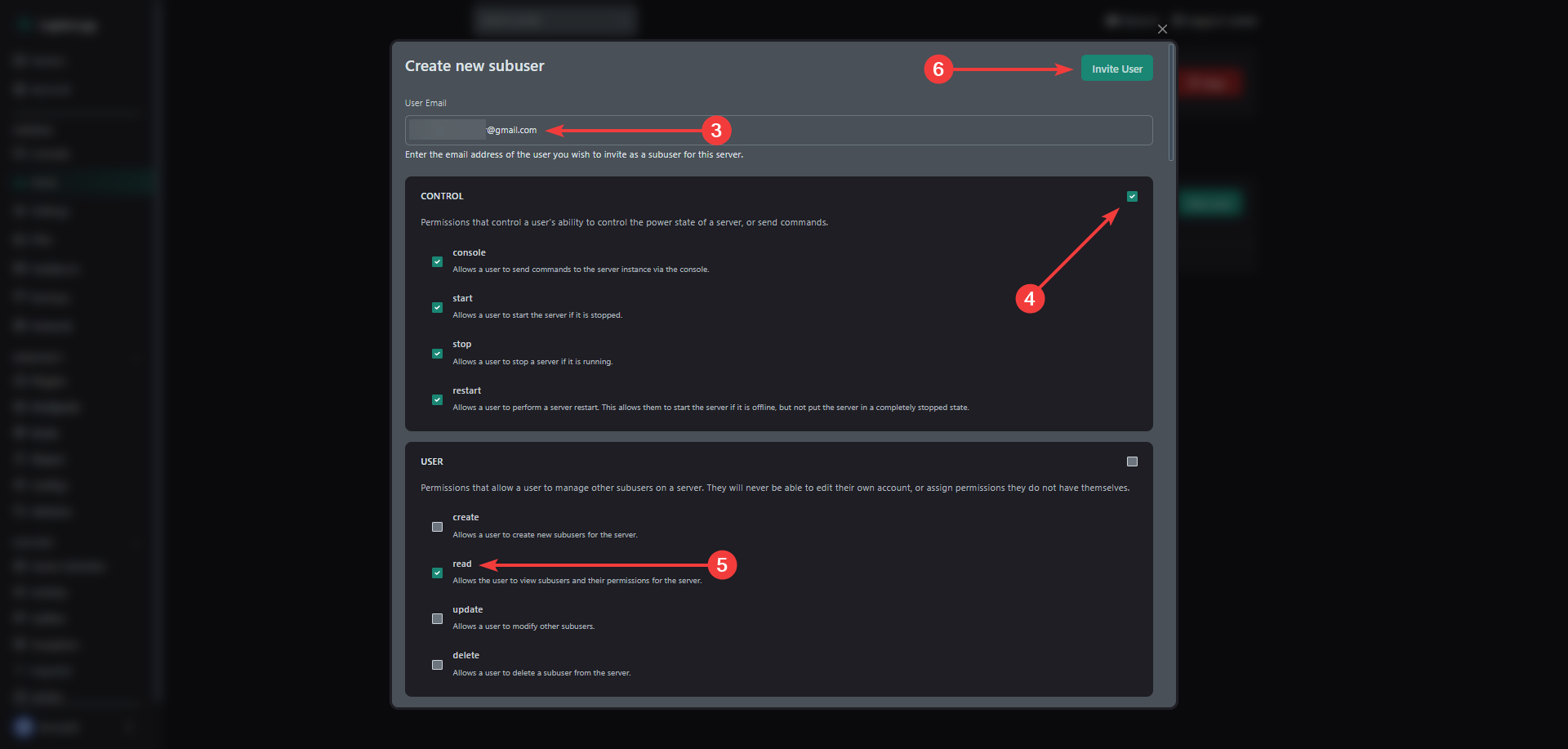
- Enter the email address of the person you want to invite.
- You can tick the selection box for all permissions in a section.
- Or you can select each individual permission.
- Click invite user
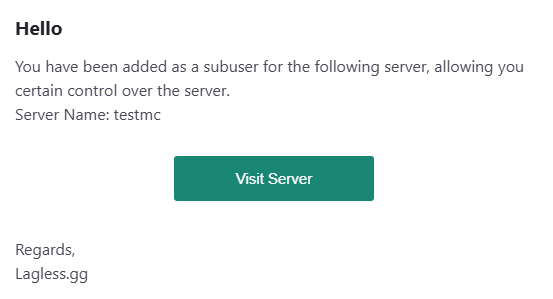
If the user is new and they don't have an account yet, they will receive an email about that.
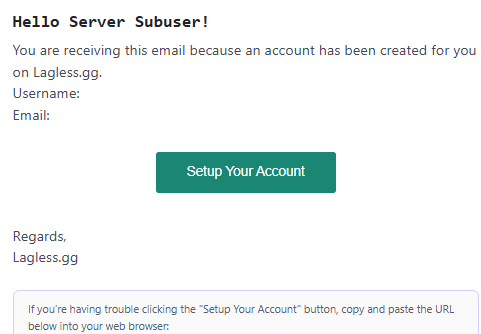
When they have an account, they will be added as a subuser.
Modify a Subuser's Permissions
If you wish to modify the permissions of a subuser
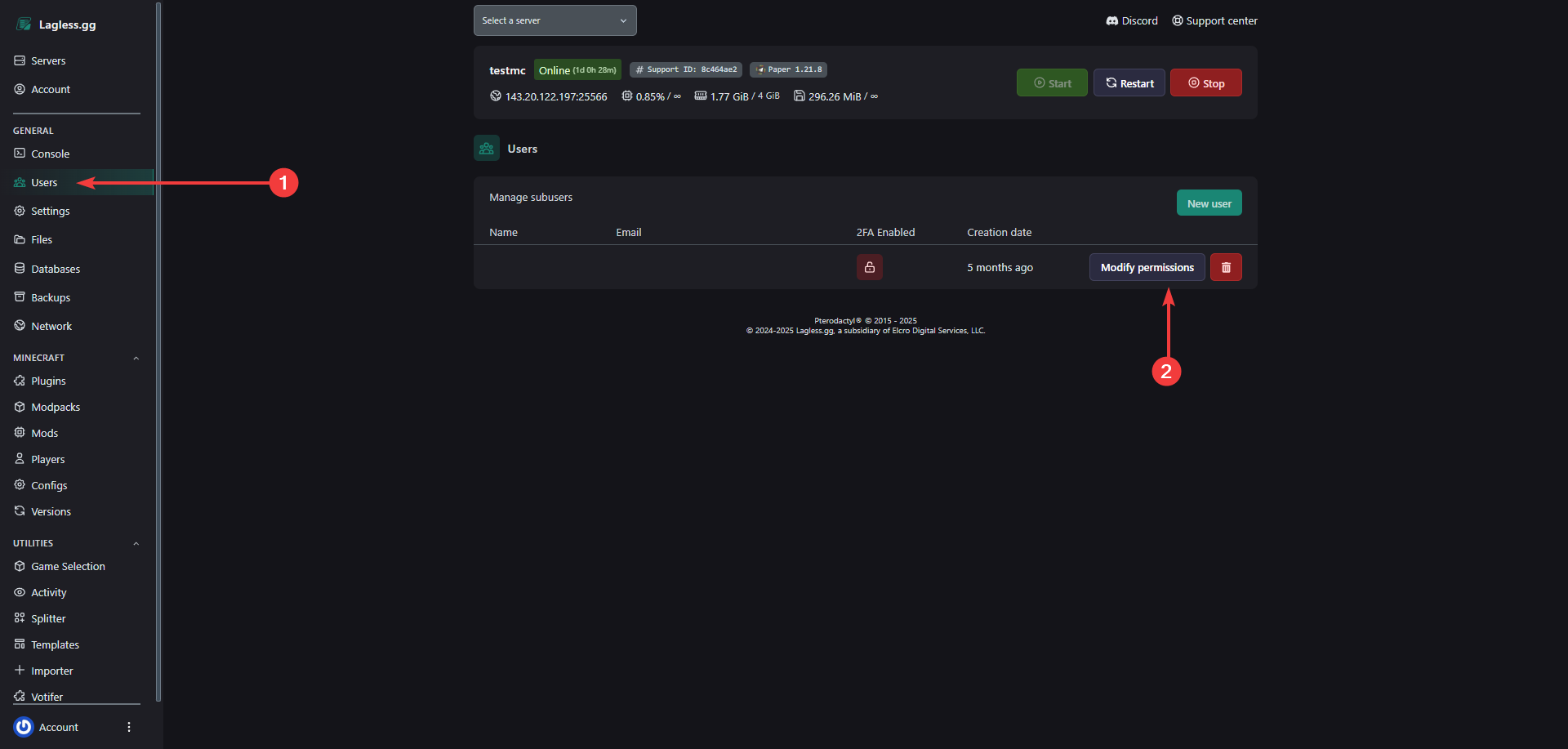
- Click on the users tab.
- Modify permissions