Server Importer
Want to transfer your server to our host? This is how you do it
Introduction
Whether you're creating a new server with us, or want to move from another host to us, the server importer allows you to transfer your files with ease.
How to use the Importer
Navigate to your lagless server on our panel.
Go to the tab Importer on the left.
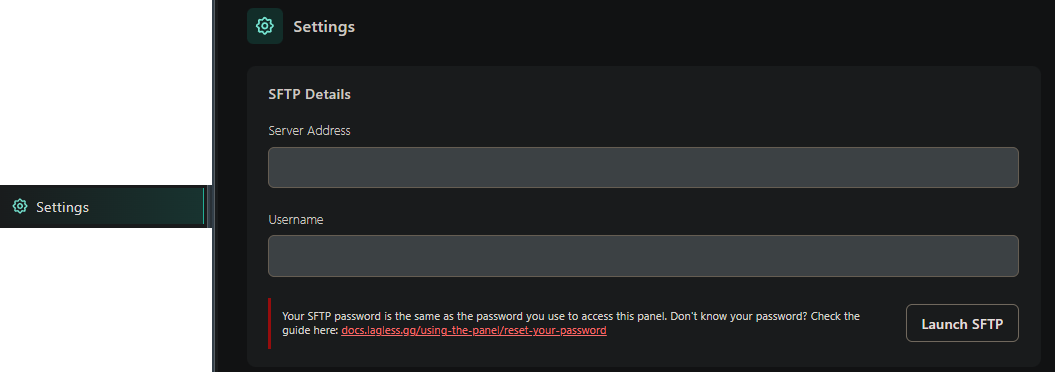
Here you will have to enter some information. For our servers, you can find the SFTP information under the Settings tab. This may be different with other hosts.
Fill in the information fields Host, Port, Username & Password
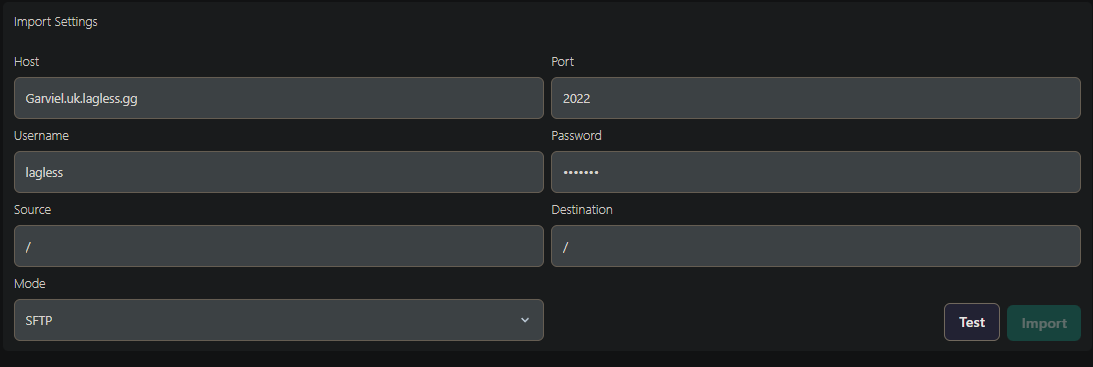
Press the Test button to make sure a connection can be made.
Once a connection has been successfully made, press Import
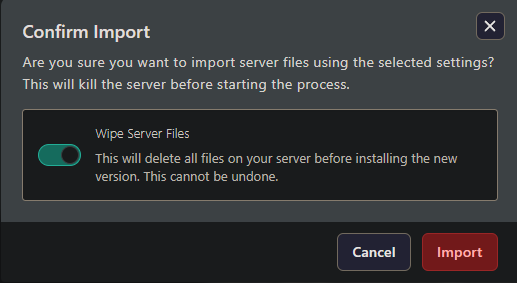
Now you can choose to either wipe server files, or if you have already done that, import.
Once you start importing our installer will begin running, and after a few minutes it should be done. (depending on server size)